Instructor records
Know who is ready to work.
Keep qualifications, insurance and required documents connected to the people and classes that need them.
Book a demoThe workflow
How it works in QT
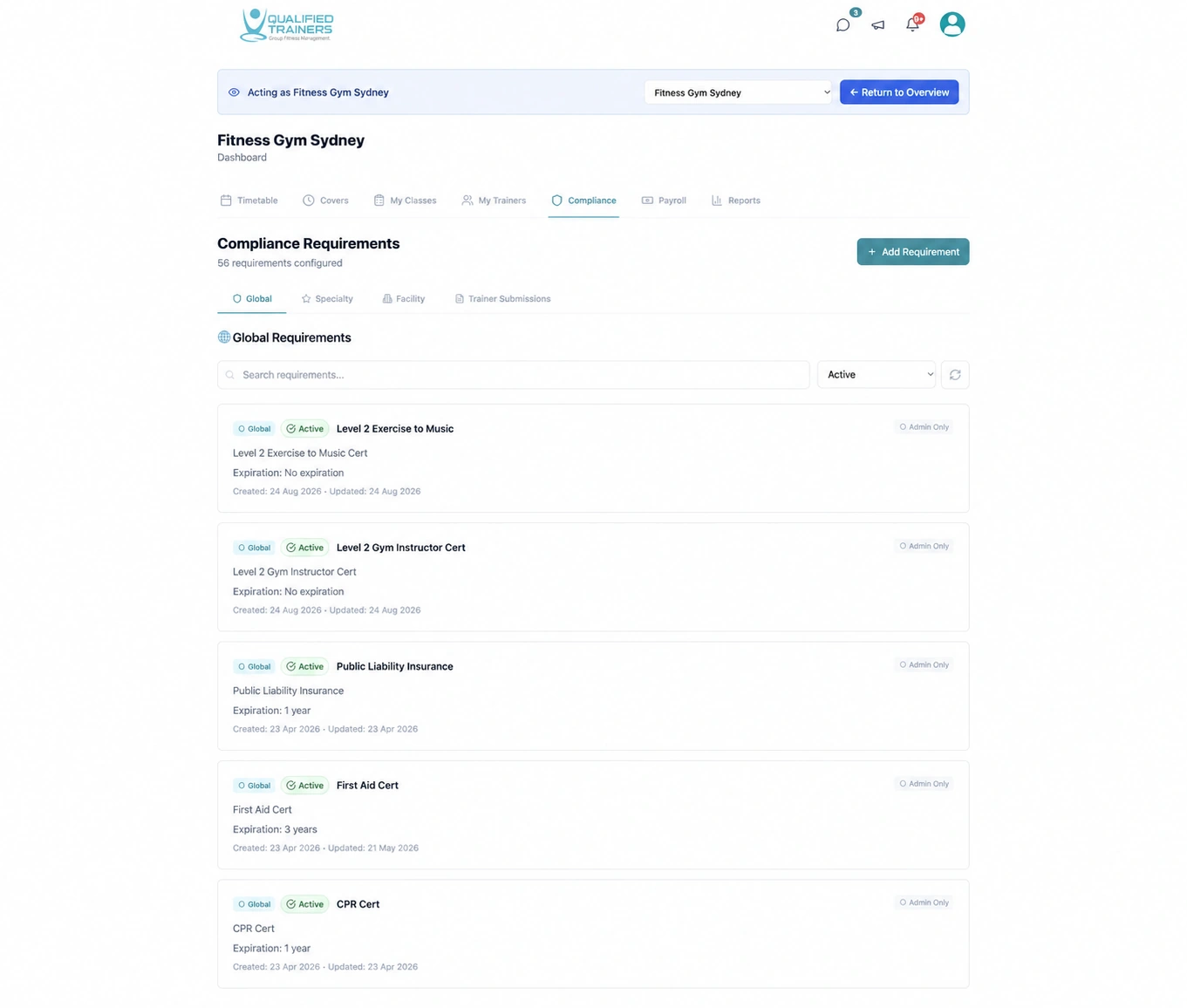
Set requirements for a facility or class, review instructor submissions and see what needs attention before assigning work. Compliance records stay alongside the timetable and cover workflow.
- Qualification and insurance records
- Document review and expiry tracking
- Requirements for classes and facilities
Features and benefits
Know what is required, submitted and ready.
Set the right requirements
Define documents for all instructors, a particular facility or a class specialty. Teams can see which records apply to each assignment.
Collect records in one place
Instructors submit qualifications, insurance and other requested documents to their profile, giving managers a central view of what has arrived.
Review with context
Check submissions and their status before assigning an instructor. Clear review queues make missing or pending records easier to spot.
Watch upcoming expiries
See document dates and expiry status so managers can follow up before a record becomes an issue for the class programme.
Explore the rest of QT
See the other workflows or discuss your facility with our team.