Product overview
Meet the platform behind your working week.
Explore the real QT screens used to plan classes and shifts, manage people, respond to changes and review completed work.
Explore the workflows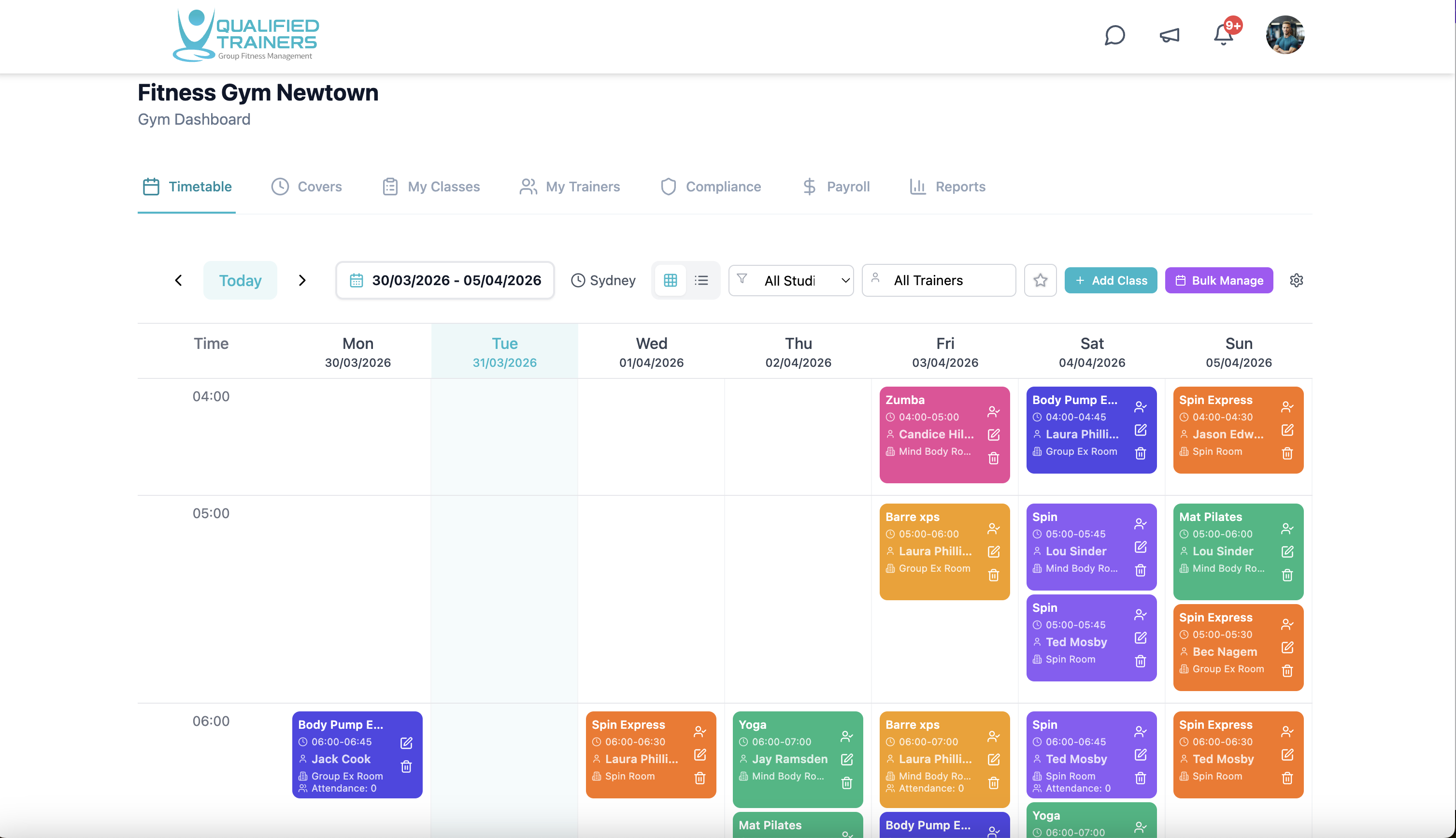
Explore QT
See how the pieces fit together.
Each area below opens a closer look at the workflow, its benefits and the product screens behind it.
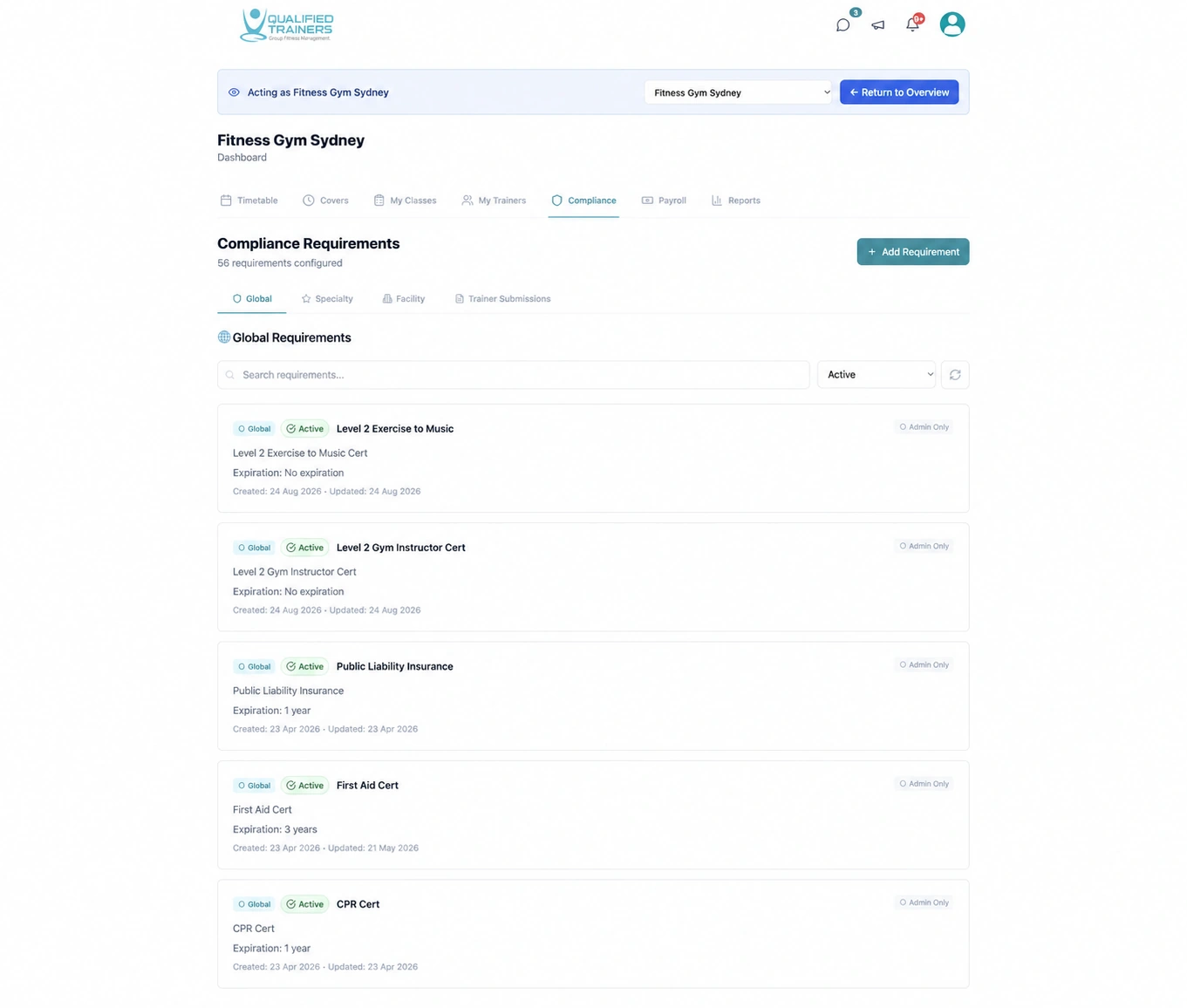
Know who is ready to work.
Keep qualifications, insurance and required documents connected to the people and classes that need them.
Explore feature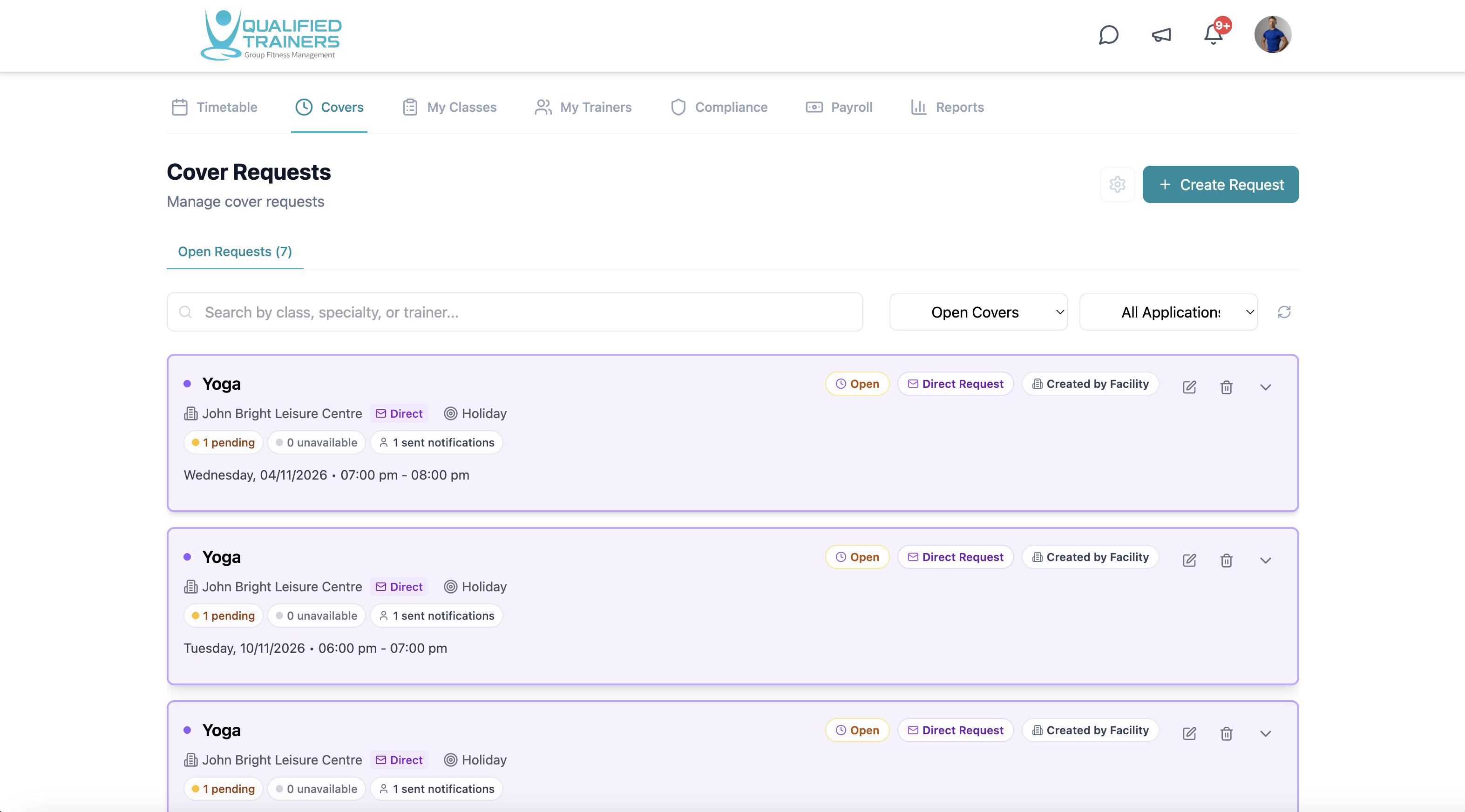
Keep every class covered.
Manage your studios and live instructor timetable, then fill gaps with open or direct cover requests.
Explore feature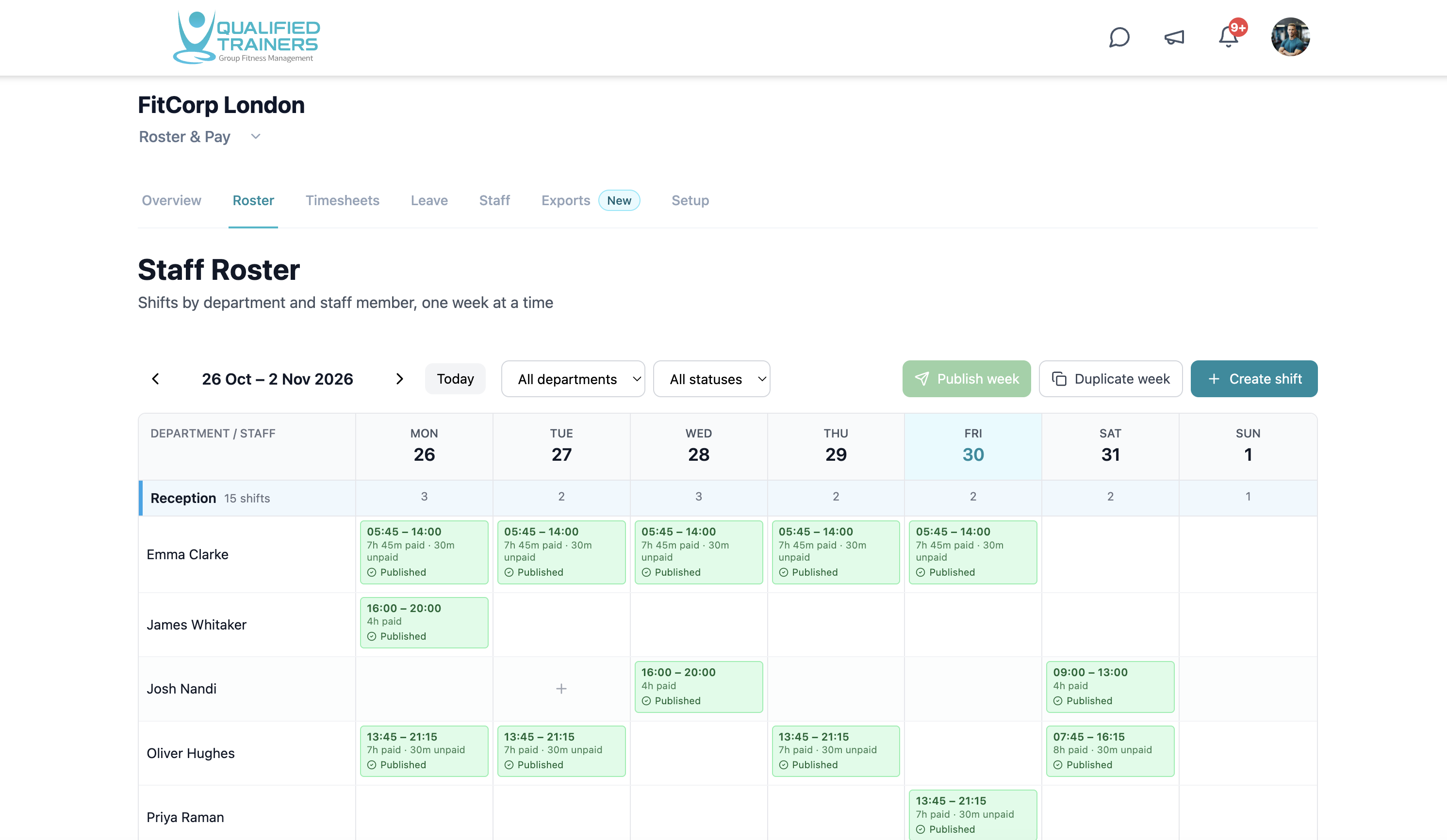
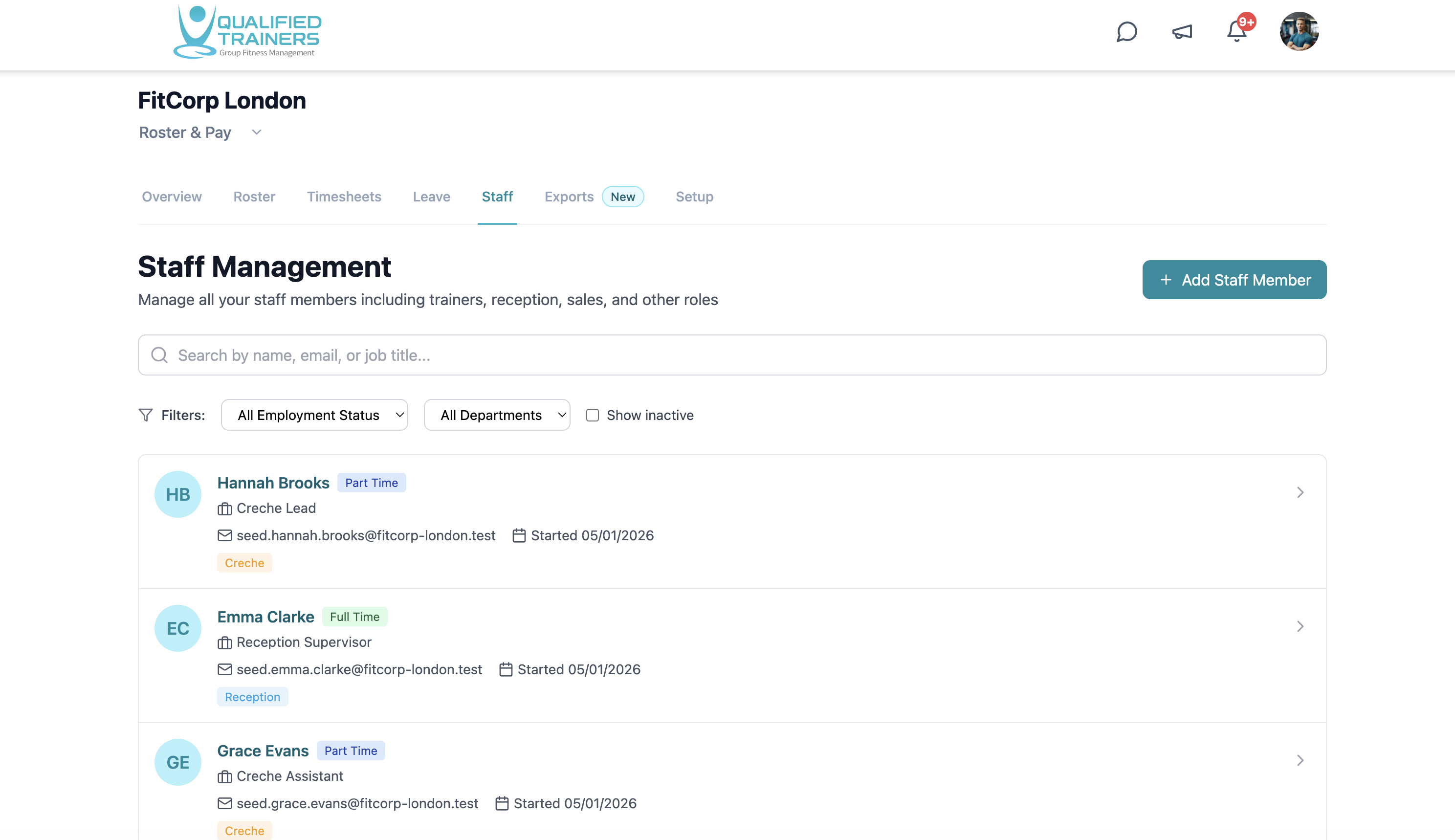
Schedule the whole facility.
Plan shifts for reception, gym-floor staff, PTs and managers alongside the instructor timetable.
Explore feature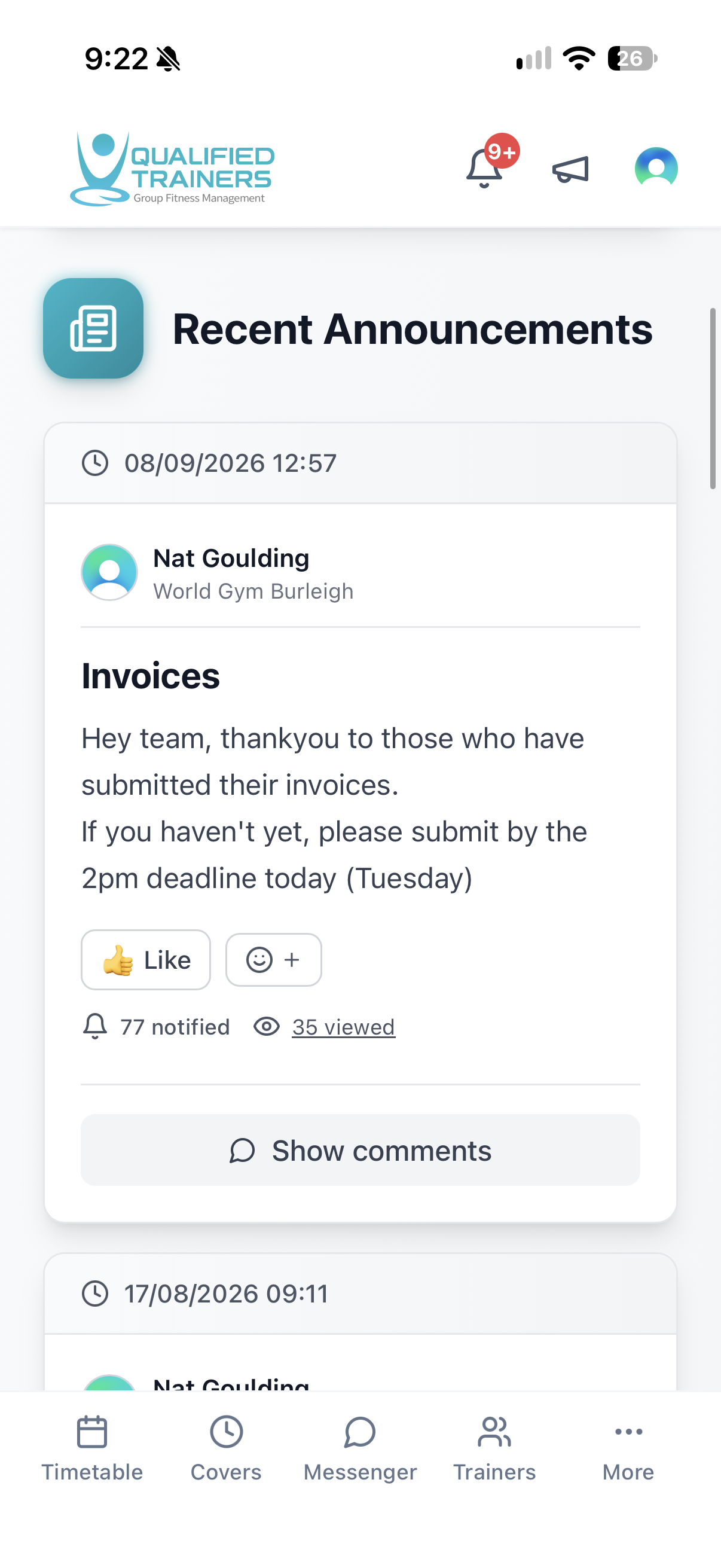
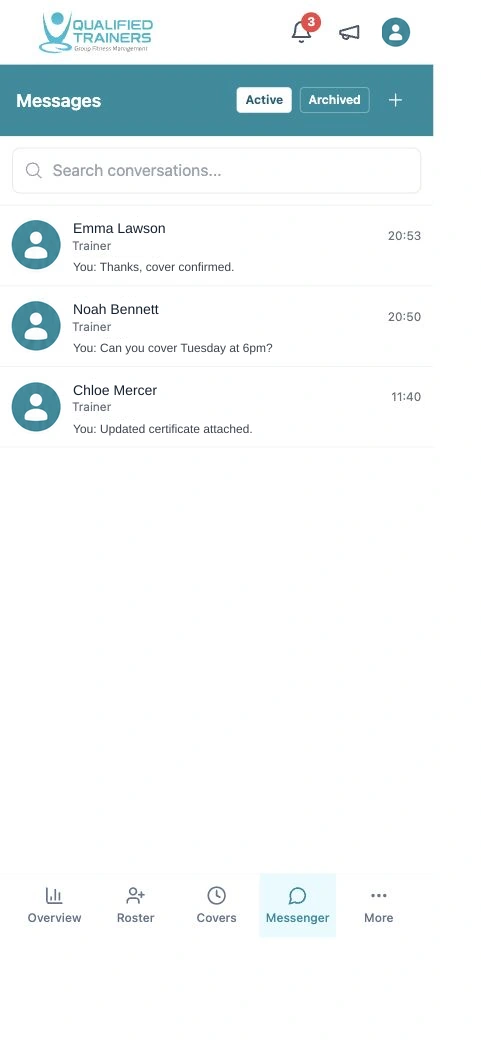
Keep everyone in the loop.
Use direct messages, group conversations and announcements for the people behind the programme.
Explore feature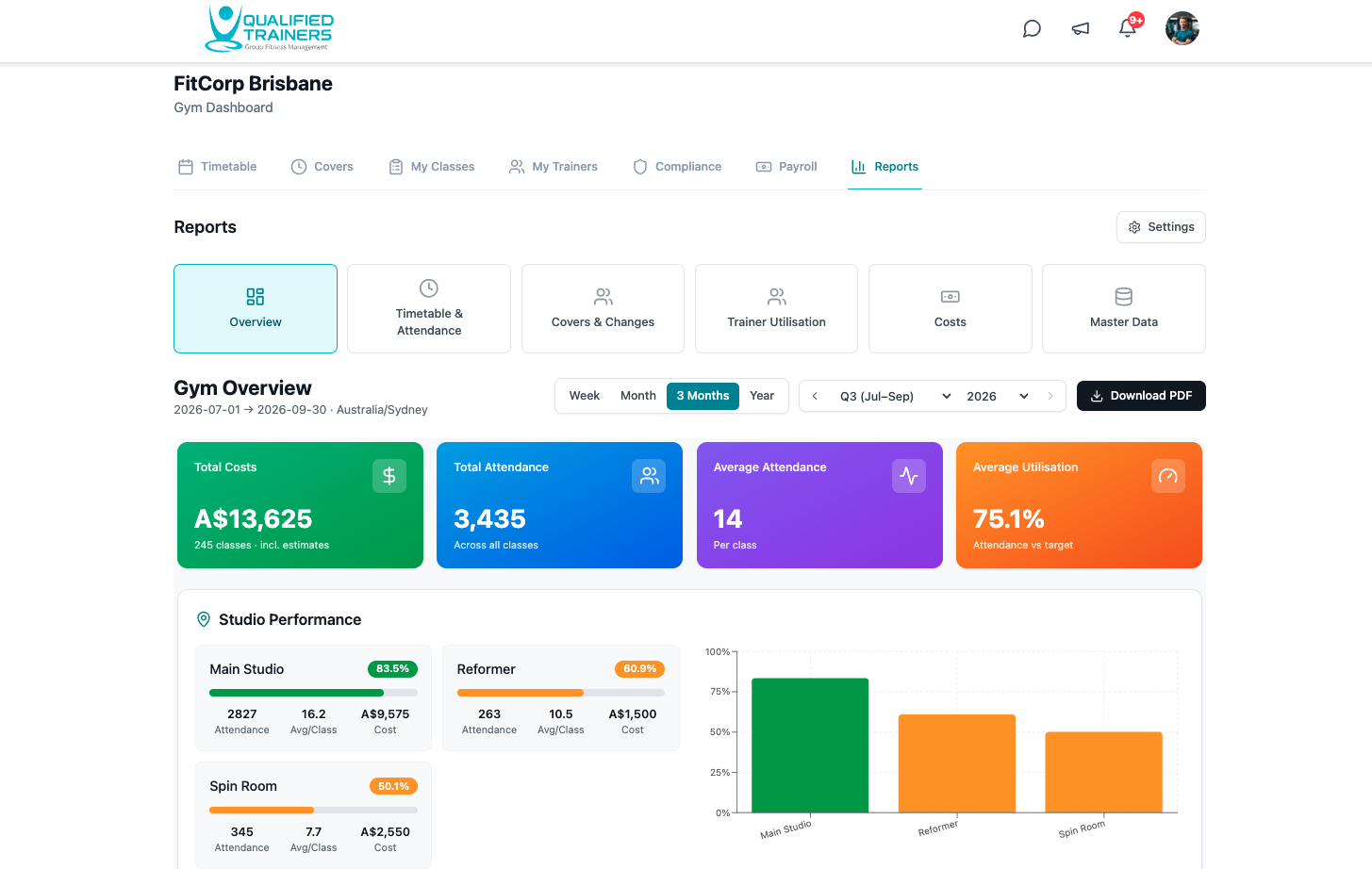
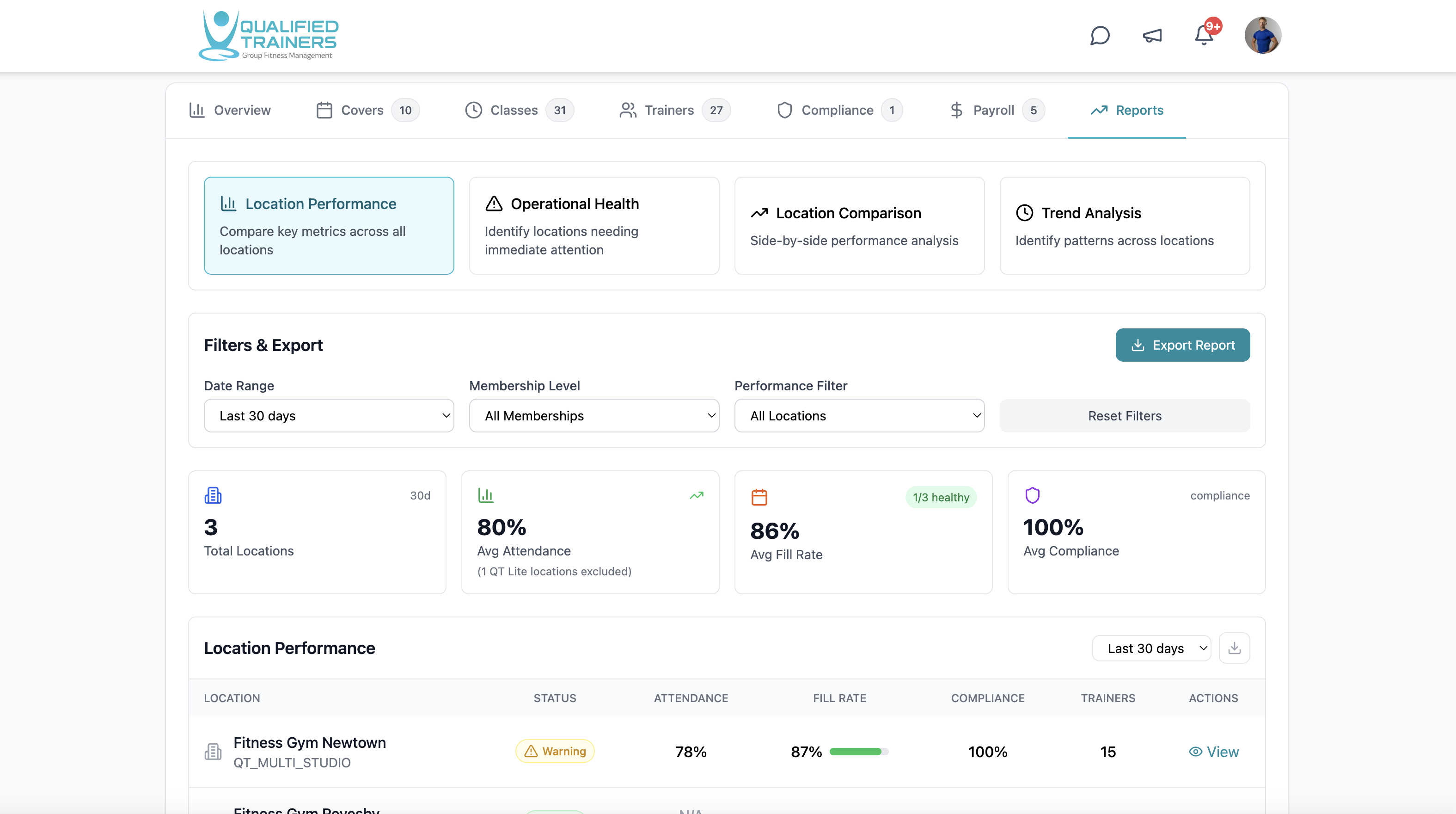
See what is happening across your venues.
Review attendance, programme activity and location performance with filters that match your operation.
Explore feature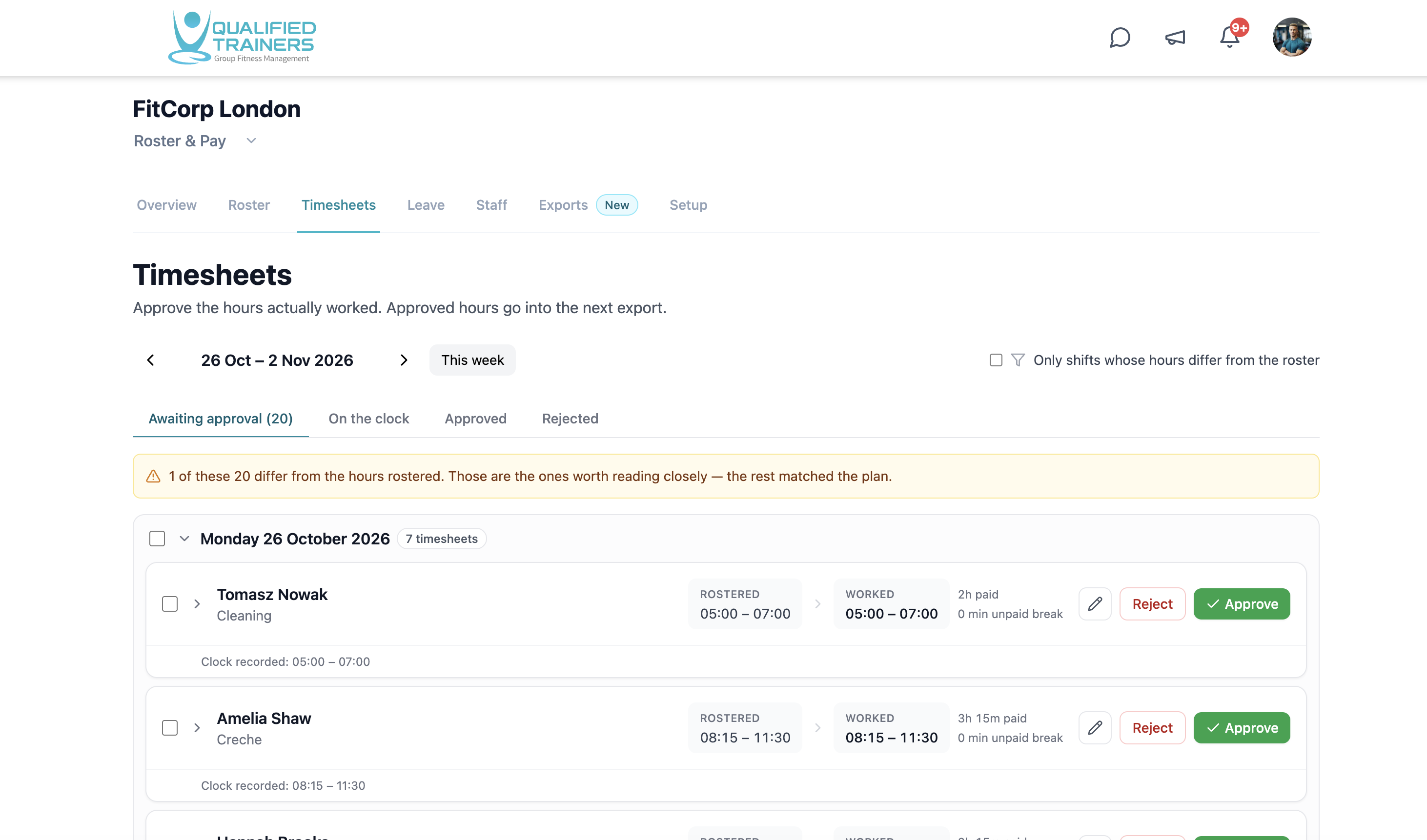
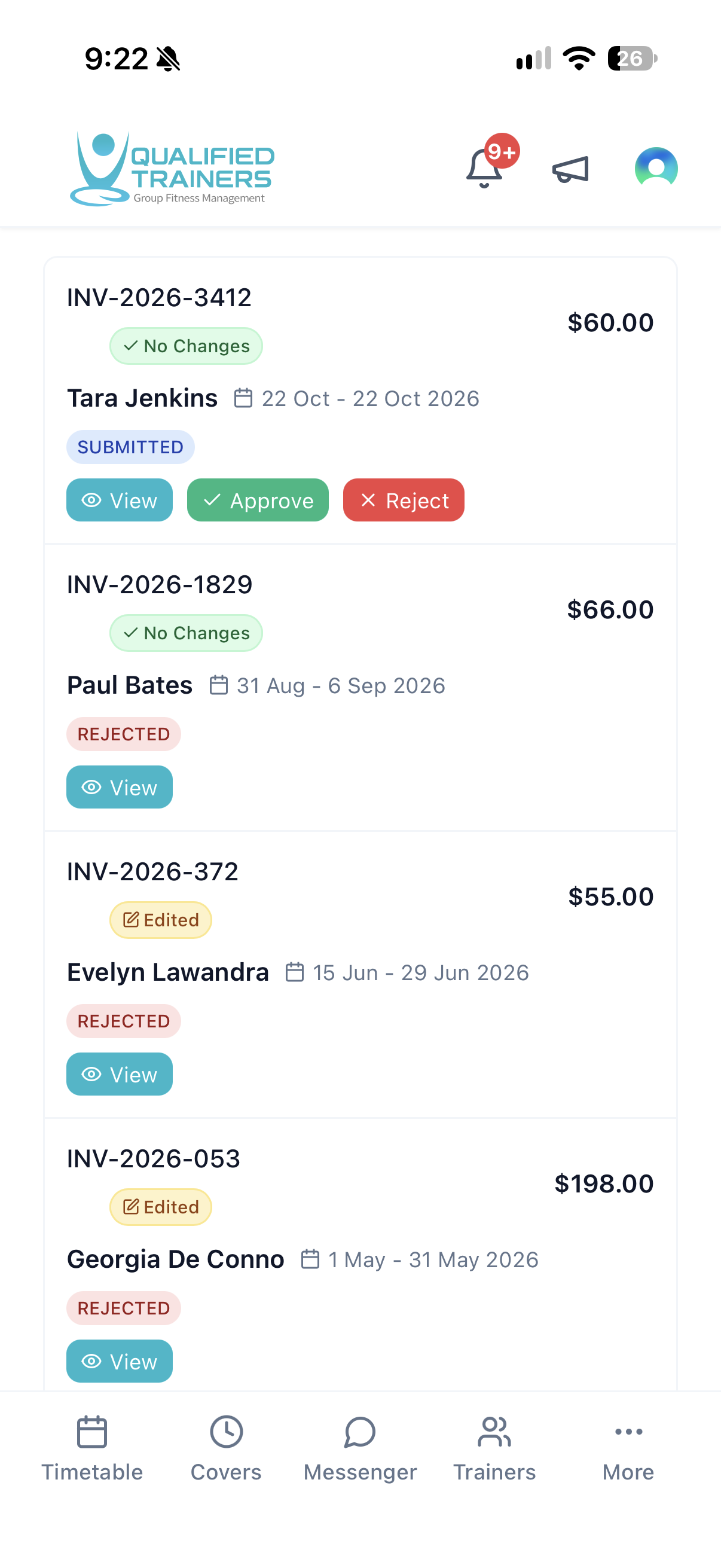
Review the work before it is paid.
Keep worked time, contractor invoices and approvals linked to the schedule that produced them.
Explore feature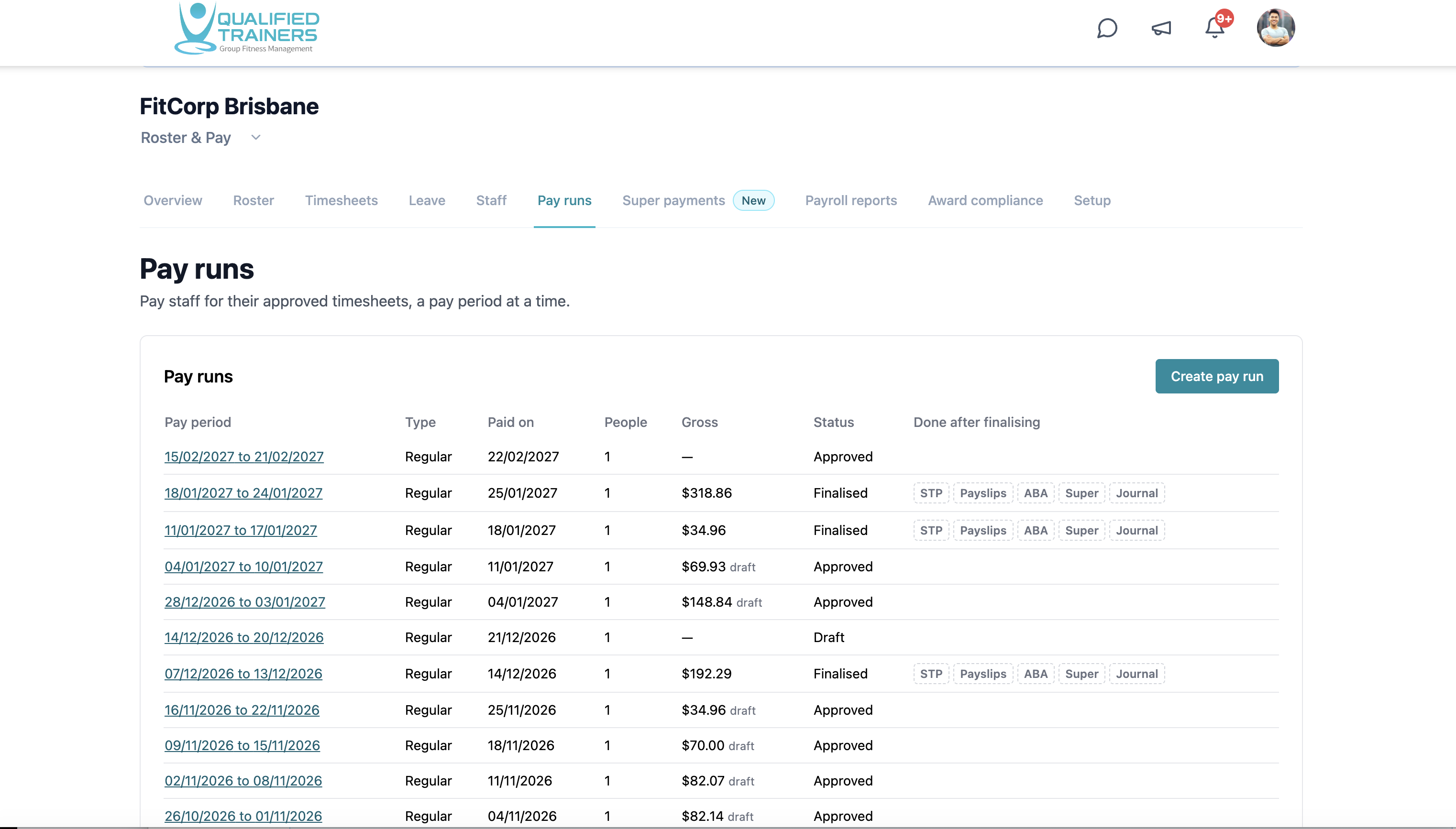
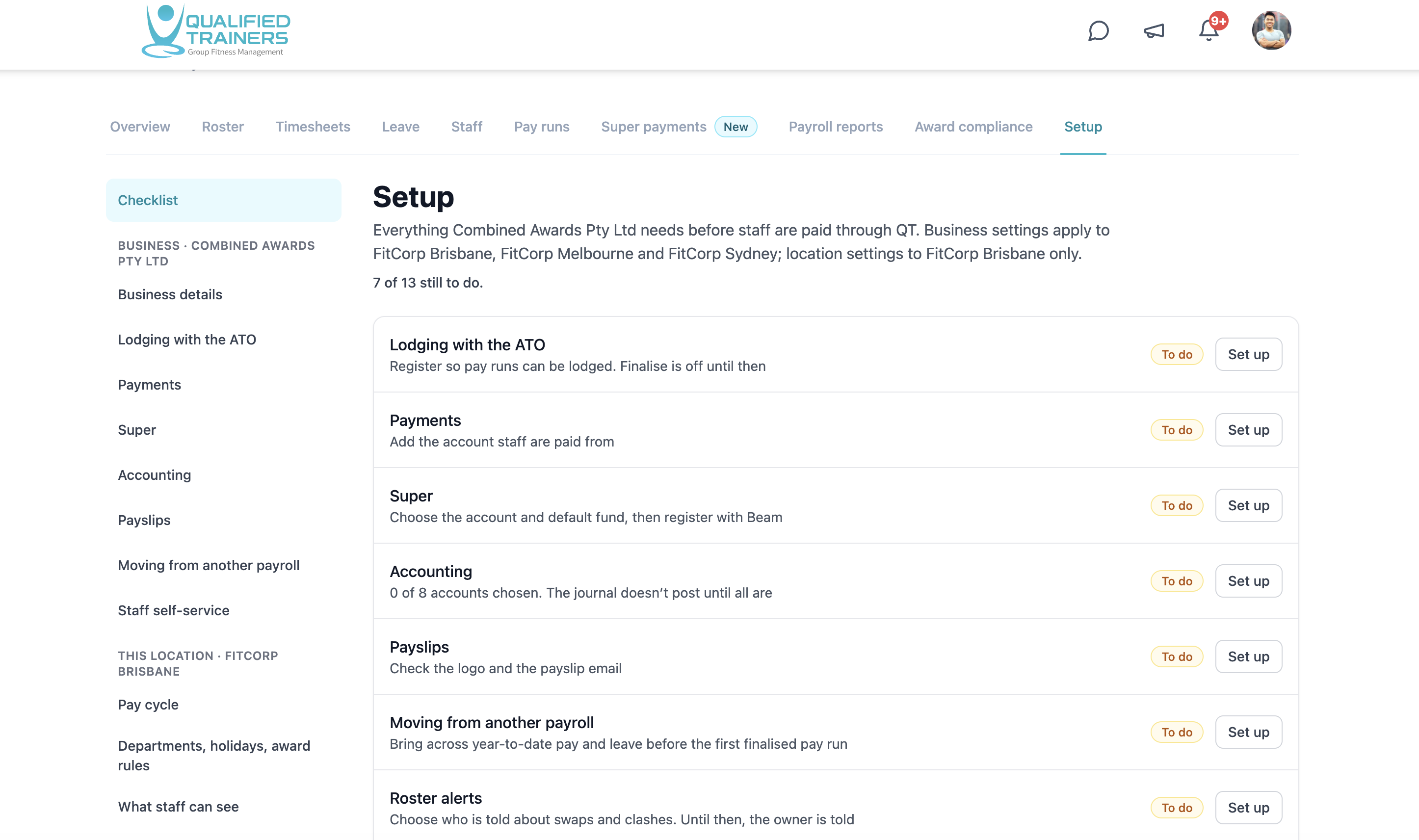
Payroll for the whole employee team.
Move from approved hours to employee pay runs, STP processing, super payments and payroll reporting in one connected workflow.
Explore feature