Team communication
Keep everyone in the loop.
Use direct messages, group conversations and announcements for the people behind the programme.
Book a demoThe workflow
How it works in QT
Reach a colleague directly, coordinate a group conversation or share a wider update in the announcements feed. The mobile views put day-to-day communication within reach when instructors and staff are away from a desk.
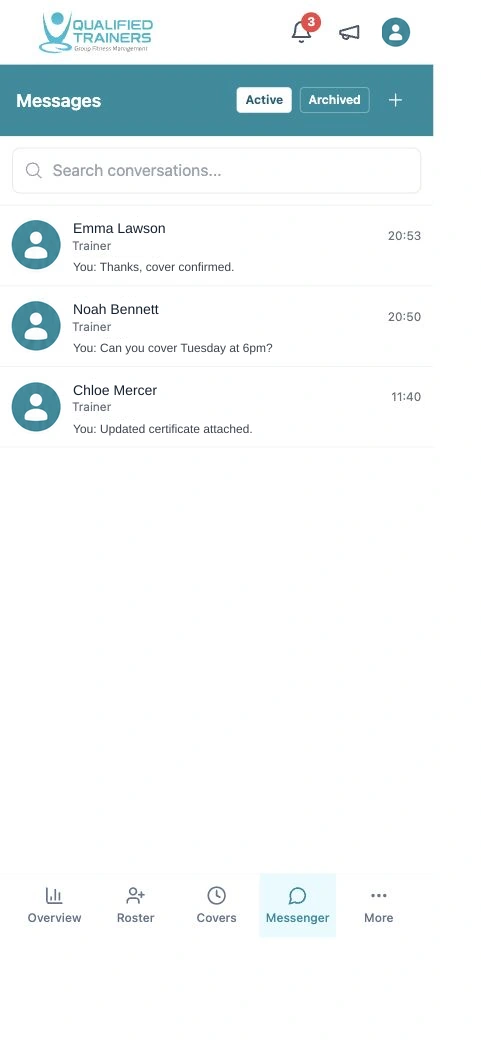
- Direct and group messaging
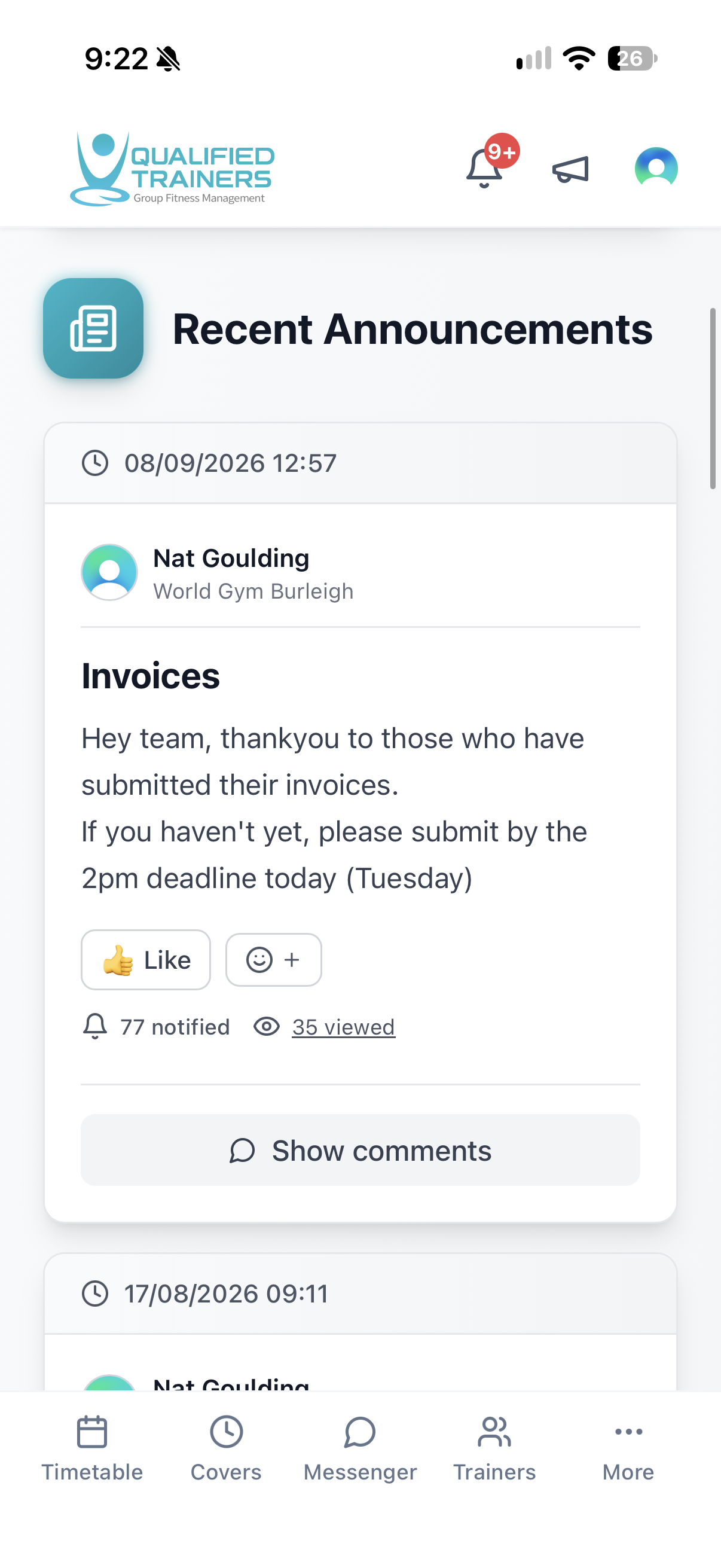
- Announcements with comments and reactions
- Notification and view counts for shared updates
Features and benefits
Give every update the right channel.
Message the right people
Use direct conversations for a quick question or group messages when several people need to coordinate a change.
Post an announcement
Share an operational update with the wider team in a dedicated feed rather than repeating it across individual chats.
Make room for responses
Staff can react and comment on announcements, keeping the discussion with the original update.
See who has seen it
Announcement engagement shows notified and viewed counts, helping managers decide whether an important message needs a follow-up.
Explore the rest of QT
See the other workflows or discuss your facility with our team.